
YOUR EVERYDAY PRINT, SIMPLIFIED
From your phone.
To the page.
Just like that.
Class notes, a last-minute form, your next big idea. Get it printed at a local shop, with a few taps on your phone.
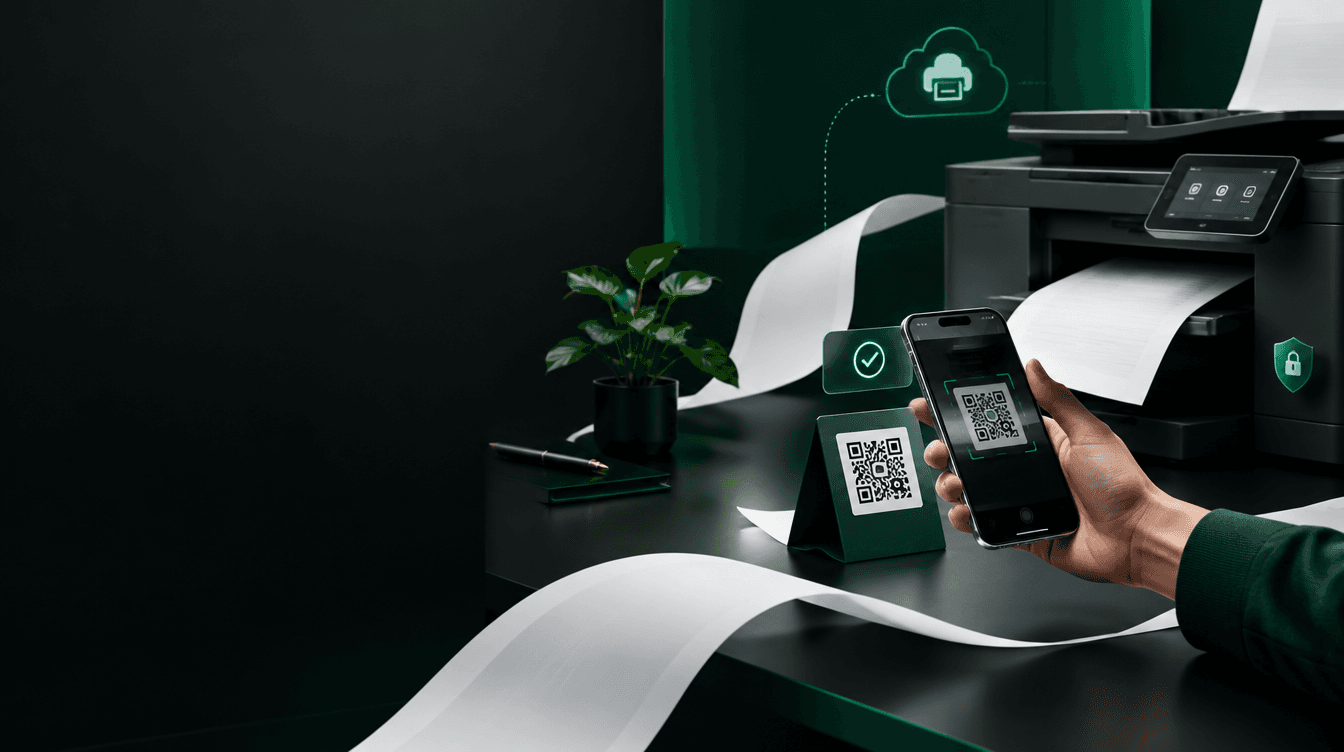
01 / A BETTER EVERYDAY ROUTINE
A few taps.
A fresh stack of pages.
Skip sending files back and forth.
Keep the whole order on your phone.
- 01
Scan the QR
At the shop, scan its HIMMER code. Your browser takes it from there.
- 02
Make it yours
Upload your document. Pick the pages, copies and print settings you need.
- 03
Pay with clarity
Check the total, then pay securely with UPI. No guessing at the counter.
- 04
Pick up your print
Follow your order status and the release instructions when you’re at the printer.
Every order.
In one place.
Workflow illustration · No customer data
02 / MADE FOR PRINT SHOPS
Your equipment.
A better way
to take orders.
You know printing. We make receiving the order simpler. Connect your existing PC and printer, and give customers a direct way to send work to your shop.
- Set your own print rates
- See orders and payment status together
- Keep your existing shop setup
Shop onboarding is guided by our team.
03 / GET STARTED
Bring HIMMER
to your shop.
Fill in the form and we’ll reach out to walk you through setup. No new hardware needed — just your existing printer and a PC.
- Free to get started
- We set it up with you
- Your existing equipment
Do I need to install an app?
No. Scan a participating shop's QR code with your phone camera to open HIMMER in your browser. You can also add it to your home screen for your next visit.
How much will my print cost?
Each shop sets its own rates. Choose your pages, copies and print options to see the total before you pay.
Can I use the printer I already own?
HIMMER connects to printers installed on your shop's Windows PC. A Linux or Raspberry Pi setup uses CUPS. Your shop does not need a dedicated printing kiosk.
What if my document does not print?
Check the job status in your print history, then ask the shop to check its printer. If the job cannot be completed, contact support with your order details to arrange the next step.
LESS FRICTION. MORE PRINTING.